
Build Apps for the exact use cases your team needs, today
Start with a prebuilt app or prompt what you need. PointFive builds a production-ready app on your data and cost intelligence, ready to run on demand or automatically.
See Apps in action
A short walkthrough of building an app on PointFive, from prompt to production.
Stop waiting for the roadmap
Every organization works differently. Finance wants chargeback reports. Platform Engineering needs a custom approval workflow. Leadership asks for a scorecard that doesn't exist. A new AI initiative introduces an entirely new way of tracking spend.
Until now, you had two options: build and maintain it yourself, or wait for your vendor to ship it. PointFive gives you a third option.
Describe what you need in plain language. PointFive builds a production-ready application that works on your data and fits into your existing workflows.
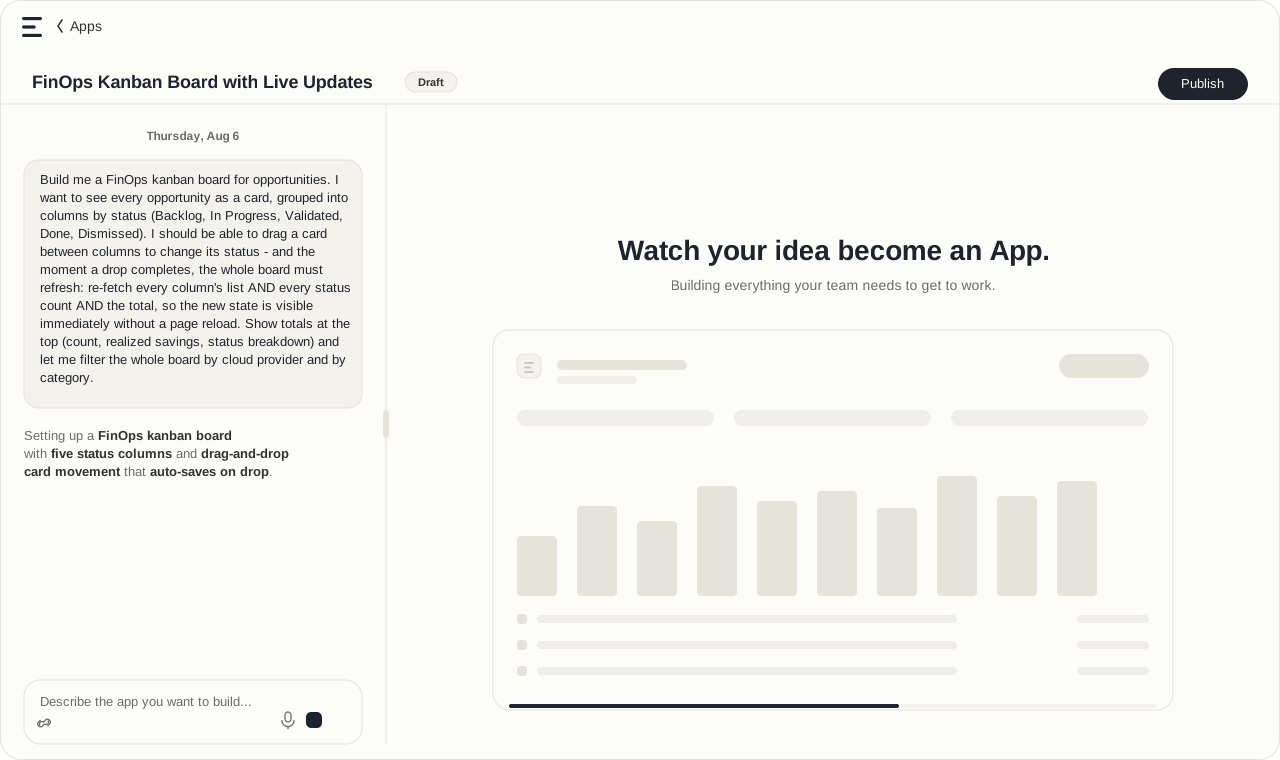
I just describe what I need and the view appears. No more wrestling with dashboards. Answers that used to take days now surface in minutes.
What you can build with Apps
Dashboards
Executive scorecards, team cost reporting, AI and GPU spend, business unit reporting, custom KPIs.
Operational tools
Opportunity Kanban, tag management, cost ownership, resource explorers, efficiency leaderboards.
New capabilities
Budgeting and forecasting, showback and chargeback, approval workflows, custom cost allocation, internal engineering tools.
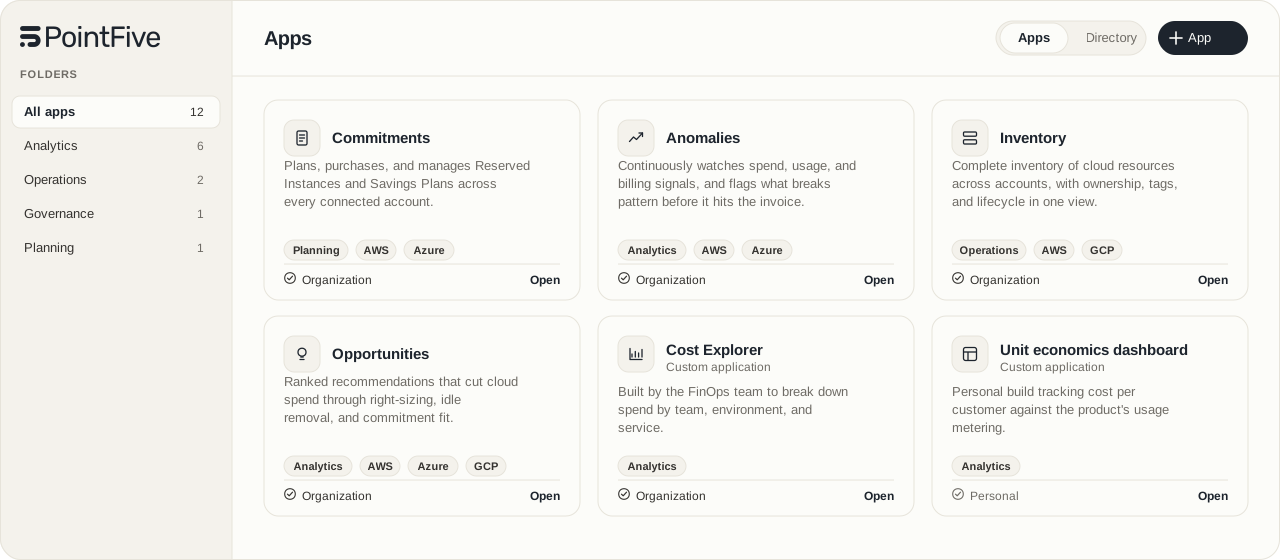
More than a dashboard builder
Most optimization platforms stop at configurable dashboards to provide visibility. Apps are stateful and interactive, closer to real software than a report.
- Take action through existing integrations
- Trigger workflows
- Automate repetitive engineering work
- Connect custom functions through MCPs, APIs, or SQL
- Analyze cloud and AI spend
- Combine data from PointFive and your own systems
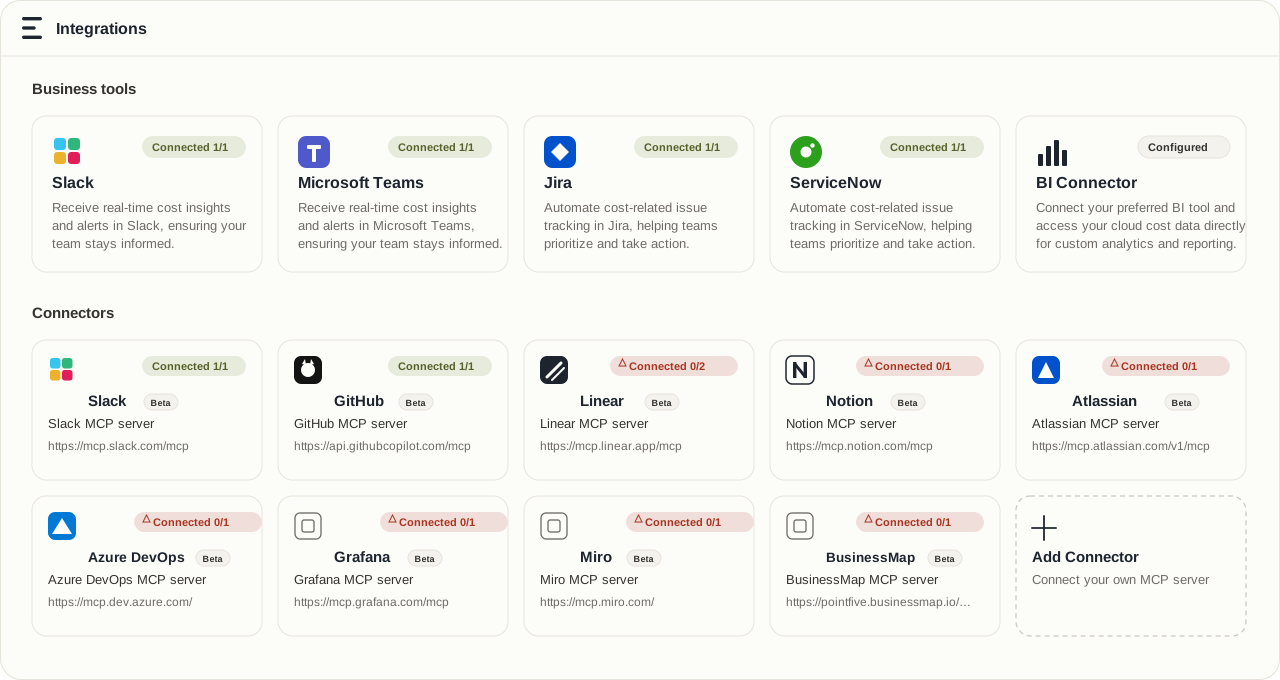
Built on PointFive's intelligence and your business data
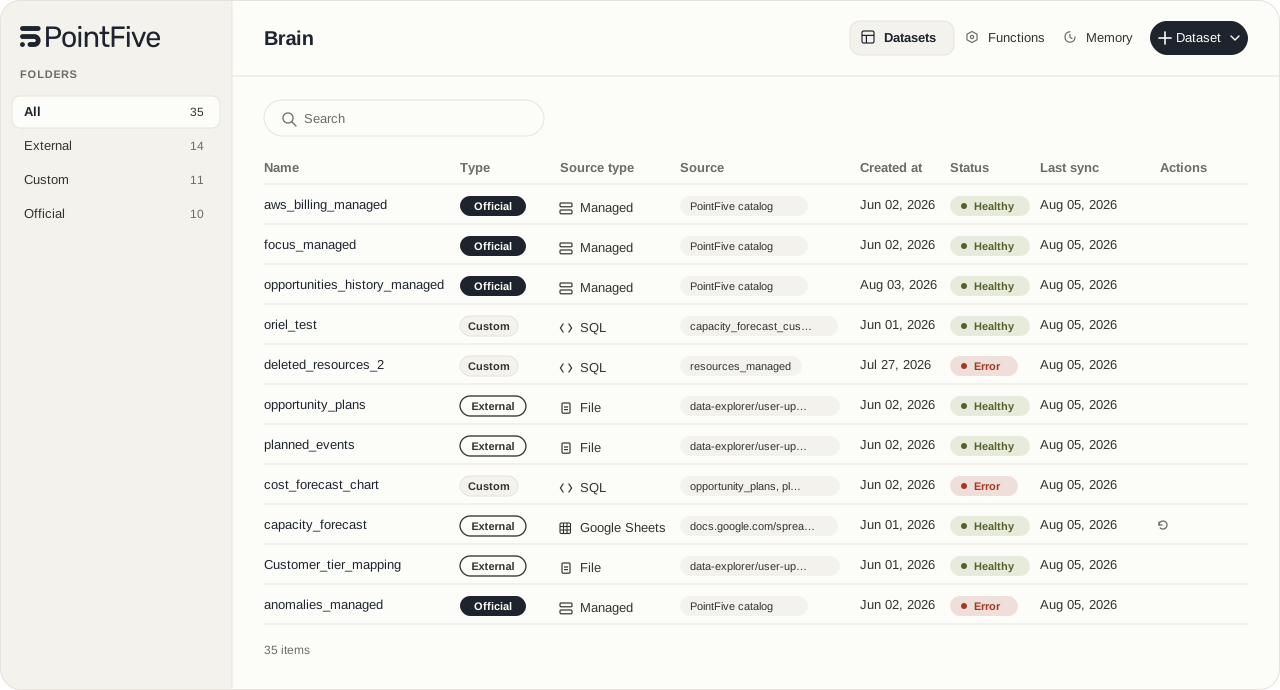
Every app starts with PointFive's normalized cloud, AI, and data platform intelligence. Connect your own business context once (spreadsheets, databases, files, APIs, or SQL) and it's available everywhere: Brain holds the data, Apps builds the experience, a Coworker runs it on a schedule or in response to events.
For example, combine a customer-tier spreadsheet with PointFive resource costs to see what it actually costs to serve Free, Pro, and Enterprise customers, then have a Coworker send the report to Finance every Monday. It's described in plain language, not built with a script or a data team.
AI builds it. Code runs it.
PointFive builds the application once. From then on, it runs as production code: predictable, repeatable, and ready to share with confidence across the organization.
What would you build first?
Need an executive scorecard? A chargeback application? A Slack approval workflow? A custom budgeting tool? Describe the tool you need. PointFive builds it on the data and workflows you already use.